

Getting Started
Kickstart your Cloud Coach journey by learning core concepts, navigation, and terminology to confidently explore the platform.
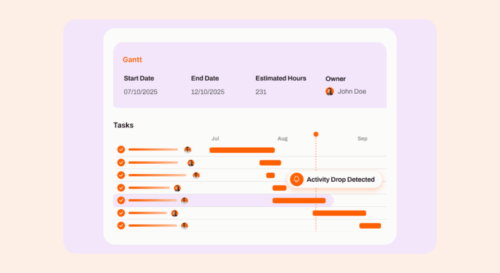
Create Your First Project
Create your first project from the ground up by choosing the right project type, building your plan, adding your team, and saving it all as a reusable template.
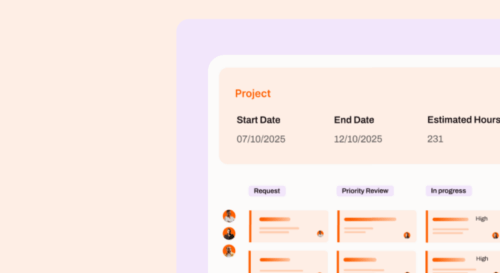
Building Projects in Cloud Coach
Learn how to create projects in Cloud Coach using Waterfall, Agile, or hybrid approaches to fit any delivery style.
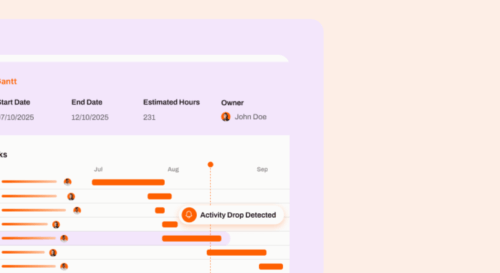
Managing Tasks & Timelines
Master how to plan, track, and update tasks and timelines so projects stay organized and on schedule.
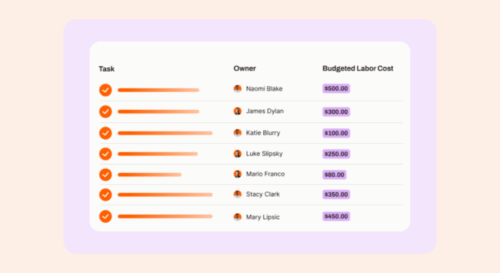
Managing Project Financials
Understand how to track costs, forecast budgets, and measure profitability to keep projects financially healthy.

Resource Management
Get a complete view of your team’s capacity and skills so you can allocate resources efficiently across projects.

Resourcing Projects
Quickly match the right people to the right work to build balanced, productive project teams.

Managing Stakeholders
Learn how to engage and track key stakeholders directly in your project plan to keep communication clear and accountability high.

Managing UAT & Test Plans
Streamline your testing process by planning, executing, and tracking test plans all within Cloud Coach.
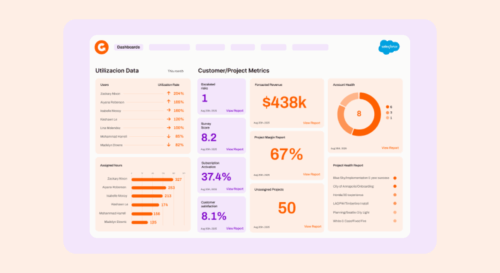
Customize User Interfaces
Tailor Cloud Coach to your business by adding custom fields, layouts, and visual configurations.

Project Controls
Learn to manage risks, issues, and change requests so your projects stay on track and under control.
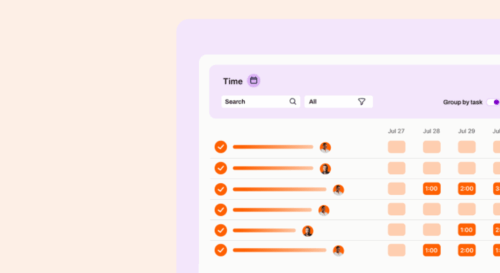
My Day: Time Tracking & Productivity
Stay focused and productive by managing your daily work, meetings, and time all from one central view.
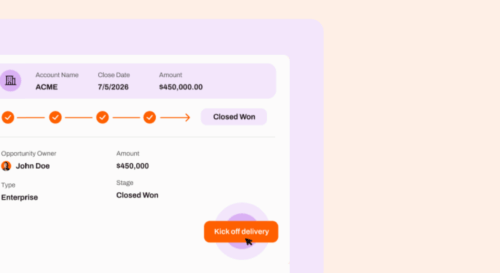
Cloud Coach Automation
Save time and standardize workflows by automating project creation and other key processes in Cloud Coach.
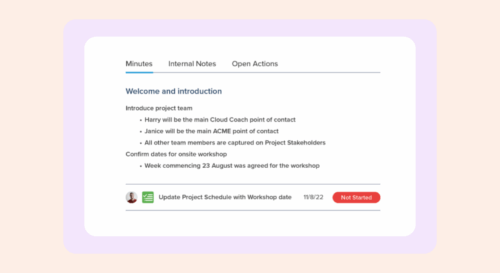
Meetings & Documents
Keep every meeting, decision, and document in one place so your project stays aligned and transparent.
Project Goals & Requirements
Capture and track your project goals and requirements directly within Cloud Coach for better visibility and alignment.

External Visibility & Collaboration
Empower clients and partners with real-time project visibility through the External Project View and Customer Portal.
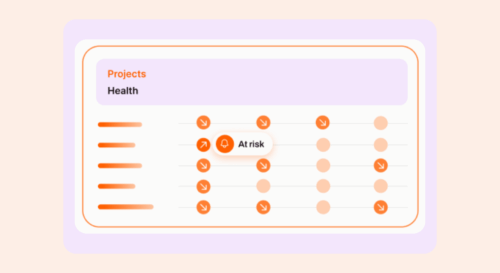
Milestones & Stage Gates
Track progress and decision points with milestones and stage gates that guide projects from start to finish.
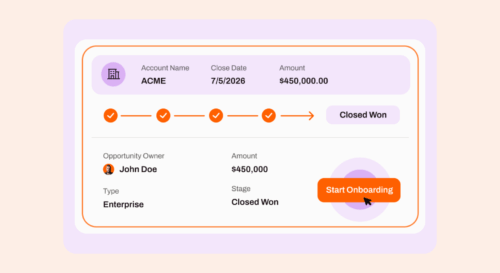
Using the Customer Success App
Use the Customer Success app to monitor client health, track interactions, and manage ongoing customer relationships.
